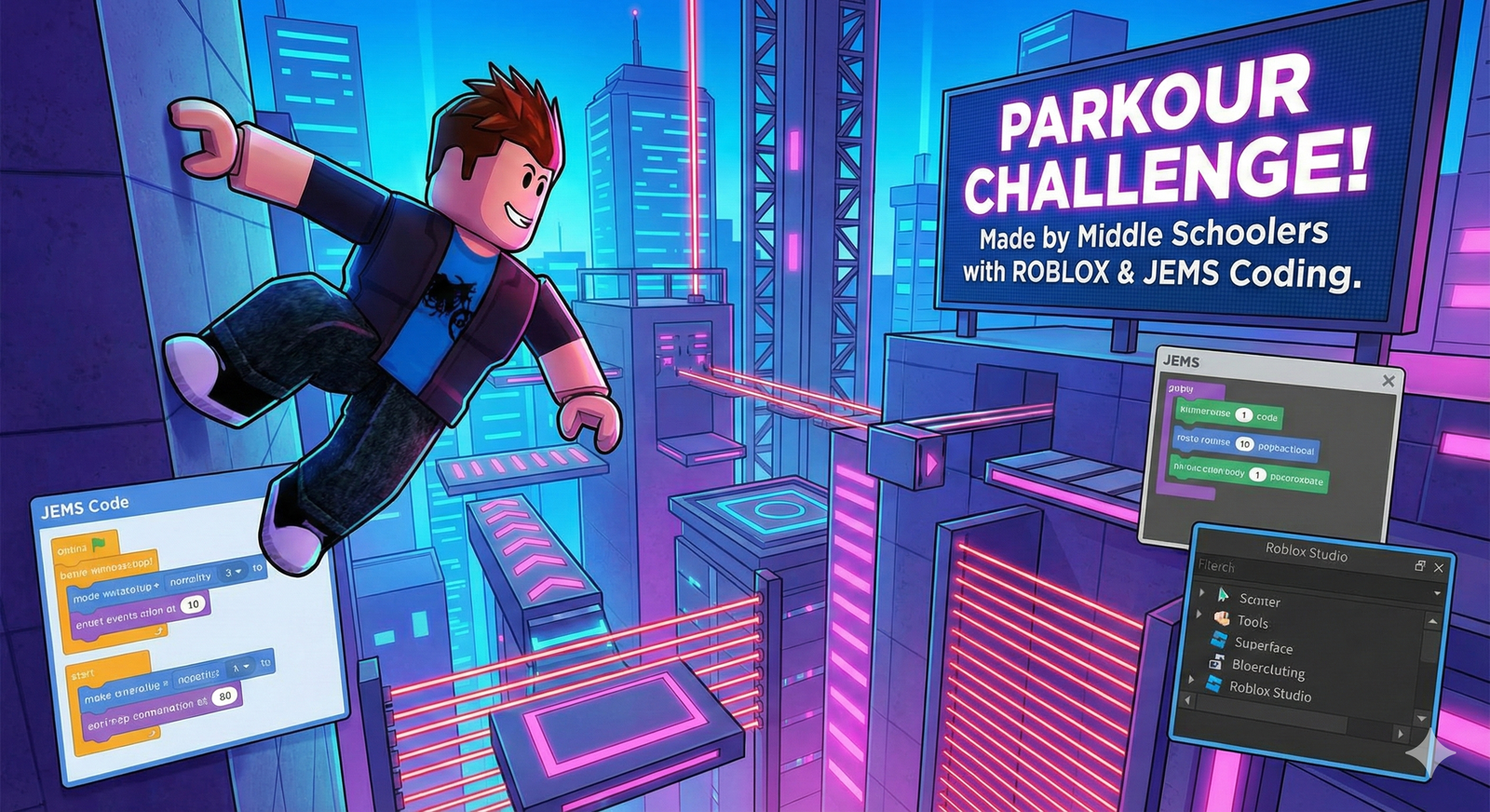
Beyond Simple Syntax: 3 AI-Era Superpowers for Young Minds
In an era where generative AI can write simple code in seconds, what truly matters for your child? Robogram’s Beginner curriculum transitions students from passive game consumers into curious system architects. Through real-time 3D world creation, children develop the essential cognitive habits required in an artificial intelligence society.
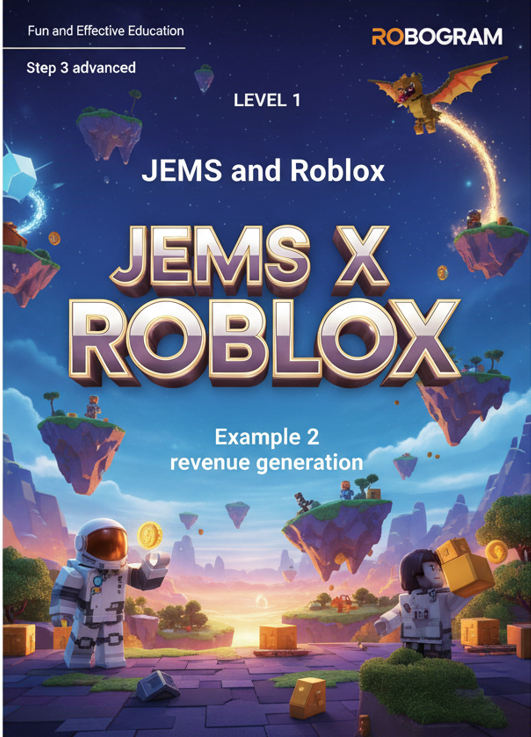
🌟 How Jem S Level 1 Cultivates Future-Ready Competencies
Witness how your child transforms from playing games to commanding complex digital environments.
The Art of Inquiry & Prompting
Rather than copying fixed formulas, students define the questions first. They formulate structured conditional logic—specifying exact coordinates, speed variables, and trigger events in Roblox Studio. This teaches children how to structure precise, unambiguous prompts that computers and AI models understand.
Metacognitive Problem Solving
When a physics jump fails or a timer loop runs too quickly, the 3D visual feedback is instantaneous. Students observe where their hypothesis broke down, inspect variable values, and iteratively refine their logic without fear of failure—building supreme emotional resilience and metacognitive awareness.
Communicating with Digital Systems
Children experience coding as a vibrant dialogue with an interactive system. By snapping visual blocks into cause-and-effect event listeners (Touches, Timers, Coordinates), students gain intuitive mastery over how computational brains process real-world rules and instructions.
📚 Official Level 1 Spiral Curriculum (Books 1–6)
Each full-color workbook provides structured step-by-step challenges, taking elementary learners from initial spatial coordinates to independent 3D game publishing.
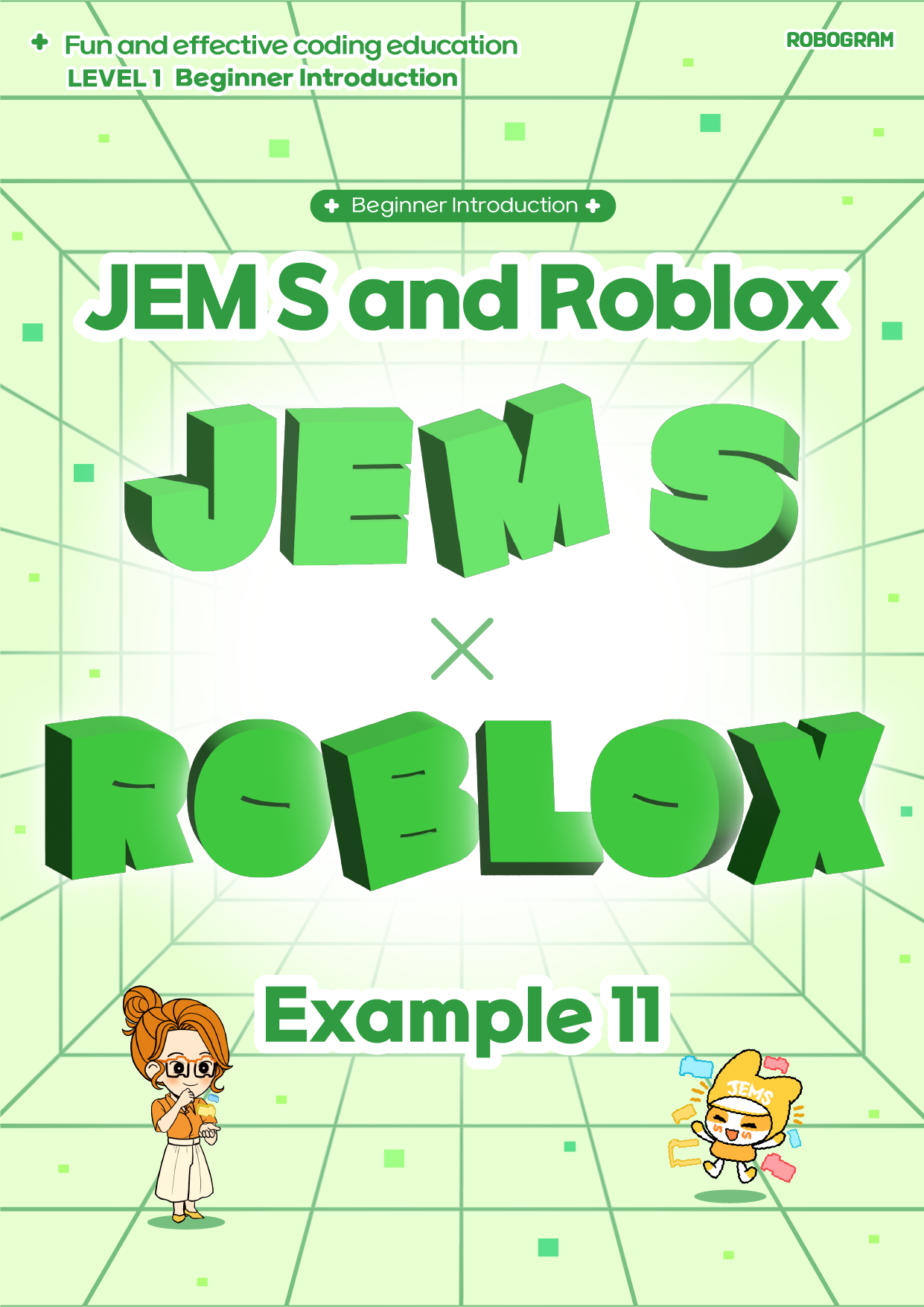
Book 1: 3D Metaverse Basics
Spatial coordinates, world anchors, spawn physics.
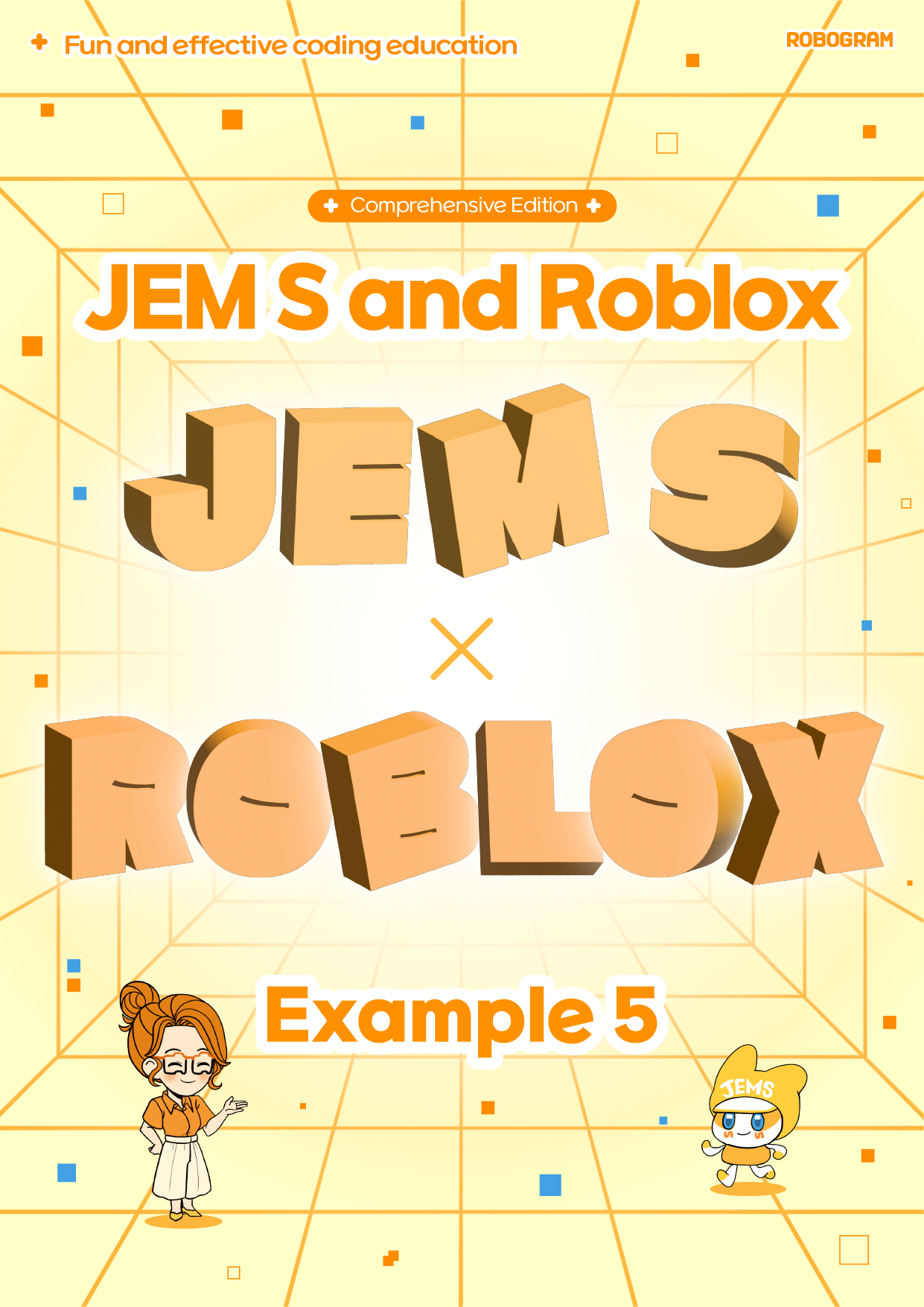
Book 2: Physics Jump Logic
Velocity pads, gravity jump calculations, friction.
Book 3: Dynamic Obstacles
Timer loops, disappearing platforms, sequence triggers.
Book 4: Checkpoints & States
Multi-stage checkpoints, scoreboards, player state flags.
Book 5: Variables & Branching
Numeric variables, Boolean conditionals, custom functions.
Book 6: Game Capstone & Launch
Playtesting, UI score counters, public world publishing.
📺 Sample Lesson Walkthrough Video
Watch how an elementary beginner builds intuitive physics logic and tests obstacles in real time.
🎯 Tangible Milestones Your Child Will Confidently Articulate
Here is the real, measurable cognitive growth you will observe at home after completing Level 1: